Search the Community
Showing results for tags 'android 10'.
Found 18 results
-
 BorisS posted a topic in Für PrivatanwenderI have kaspersky plus für 3 Geräte. Da ist auch VPN dabei. Zwei sind windows, auf dritte Gerät Android tv box möchte ich VPN installieren. Get es/
-
 Servicio Neri posted a topic in Para usuarios particularesBuen día, Me ayudan a facturar el servicio contratado. Gracias.
-
 Alberto Prado Salvador posted a topic in Para usuarios particularesKaspersky Password ¿como se configura para diferentes usuarios familiares de la misma licencia?
-
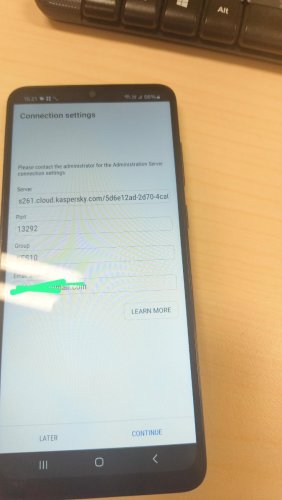
Bambang Muhammad Syafii posted a topic in Kaspersky Endpoint Security CloudHello, My Android can't connect on Kaspersky Cloud., for my console on cloud is https://s261.cloud.kaspersky.com Somebody can help me
-
 paulo0369 posted a topic in Para casaAdquiri uma TV Box Micool KM7, e como é comum o uso de pendrivers ou transmissão de mídias pelo Chrome Cast achei bom por um antivírus, porém como não tem uma versão para Android TV resolvi usar a versão mobile, não foi feito para o aparelho então a navegação não é muito boa, mas esta dando pra usar, acho que não tem problema né!?!?!?
-
 vrl-458 posted a topic in Kaspersky FreeI just ran a full scan on my phone and it detected a file and added it to quarantined files. I want to delete the quarantined file but I can't find where are the quarantined files on the Mobile app. Where are all the quarantined files on the Kaspersky mobile Android version?
-
 RUSTAM1F posted a topic in Kaspersky Internet SecurityПомогите пожалуйста разобраться с телефоном .как ото всюду отозвать правильно персональные данные?
-
 Jônatas Conrado posted a topic in Para casaOlá pessoal, Gostaria de tirar algumas dúvidas, em relação a impressão digital armazenada no meu dispositivo android. 1) Quando cadastro uma digital no meu dispositivo, onde fica armazenado? 2) Se armazenado no meu próprio dispositivo, como o Kaspersky atua para proteger? Pensando no cenário que eu utilizo a proteção do Kaspersky no meu dispositivo, e hoje, para aplicativos como bancos e email, eu ativo o bloqueio de acesso com impressão digital. Caso meu celular seja invadido, gostaria de entender quais riscos eu teria se a minha digital fosse obtida e o que o Kaspersky fornece de segurança nesse quesito.
-
 robson.lira posted a topic in Para casaEstava utilizando o KTS e agora renovei para o Premium, no meu Windows 10 tudo Ok precisei baixar e fazer a instalação tudo isto sem problemas mais e no Android????? Pensei que encontraria na loja a nova versão mais sem sucesso o que existe lá é o que eu já uso no meu dispositivo como proceder?
-
 Herbie posted a topic in Kaspersky Password ManagerI can no longer use password manager to open website on my android samsung 10 mobile phone. I can see and edit all entries but if I select one then press "Open in browser", it just displays "No apps can perform this action" at the bottom of the screen. It still works fine on Windows 10 desktop. Any ideas?
-
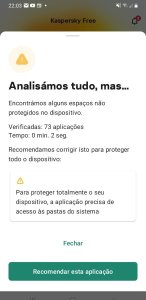
 temaps posted a topic in Para casaBoa noite, Num telemóvel com SO Android 10 com Kaspersky Free apareceu uma mensagem que nunca vi, nem soube o que fazer. Acho estranho a verificação só ter demorado 2 segundos e aparecer esta mensagem. Sendo o anti-vírus, seria suposto ter logo acesso a todo o sistema. O que devo fazer? Obrigada
-
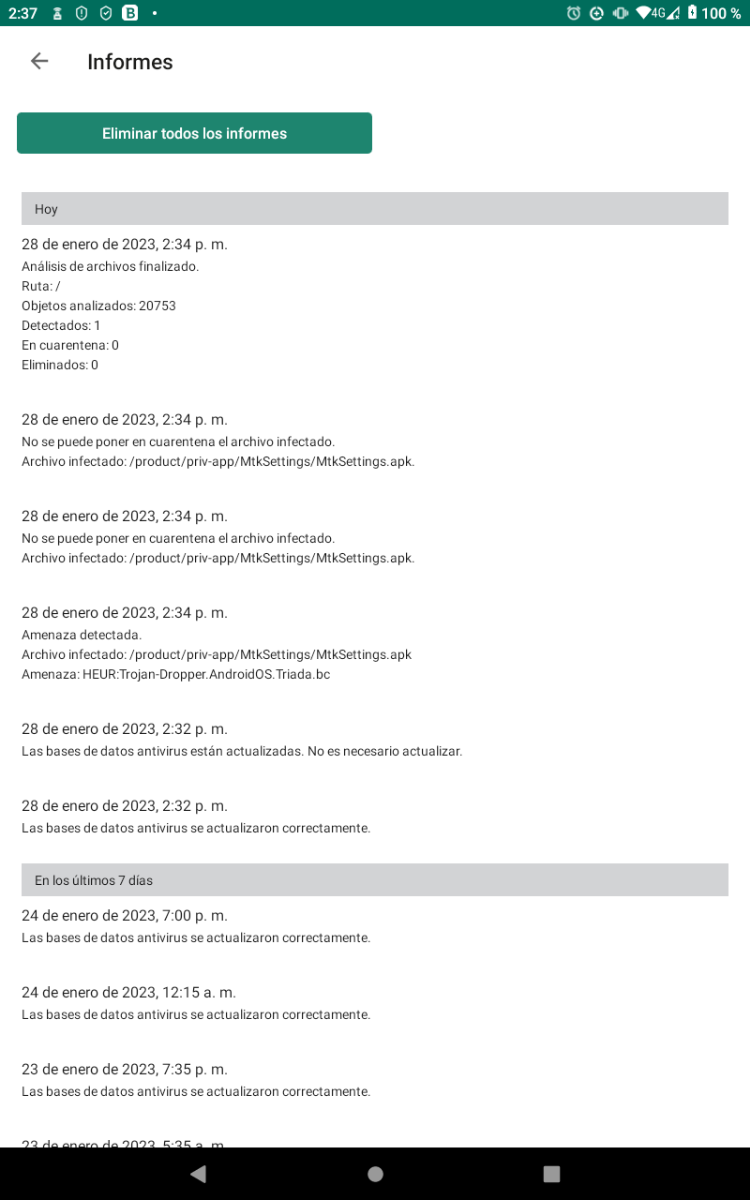
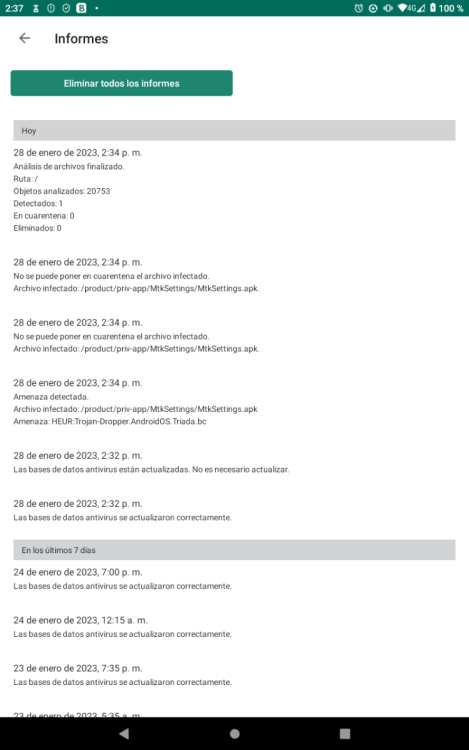
 Catomax26 posted a topic in Kaspersky Internet SecurityNote: I rooted my device. For some reason, my tablet has been turning off without warning or shutting down at weird battery percentages (when it shut down at 83% it now showed off 38%, or even it shut down at 80% and it showed off 0%, not sure if it's a battery issue or the Trojan Is eating up battery, or it even remains at 100% for a long time and then shuts down to 0%).
-
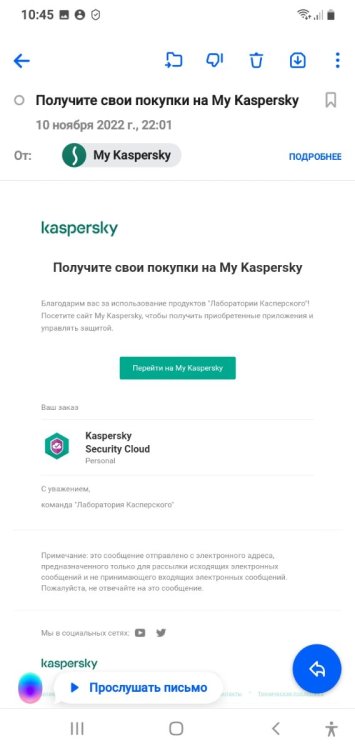
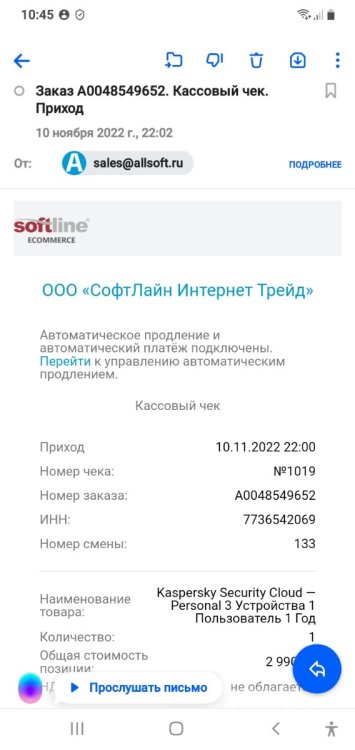
 Шевхи posted a topic in Kaspersky Security CloudЗдравствуйте. Хочу подключить второе устройство, отправил /поделился/... Идет запрос , нужен код для активации... А где код взять?
-
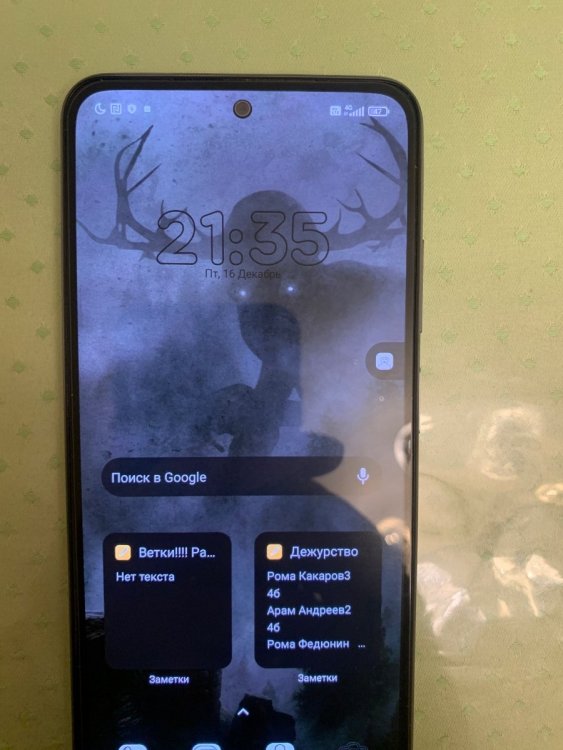
 Иван Леонидович posted a topic in Kaspersky Safe KidsОчень интересно зачем он и самое главное как его убрать. На телефоне ребенка android приложение safe kids. При нажатии ничего не происходит, просто можно перетаскивать с места на место
-
 Tashdeed posted a topic in Kaspersky Security CloudHere's an interesting article I have read recently regarding "malware hiding inside images". https://gizmodo.com/malware-images-virus-photos-pictures-how-block-antiviru-1849572516?fbclid=IwAR0bD94-LvGKCbznJ0Dh2wNH3xb_BFz0F-sJDAX92MKtqfY7UiKtUcQHHlo I personally did not know about this until recently. I didn't know that this was possible. But of course, this technique makes sense because images are clusters of data and there's data within the data. My question is simple, as the heading implies. Can Kaspersky security suite of software scan images for malware? I've kept website scans of all URLs enabled and I want every website that I visit to be scanned by my Kaspersky antivirus. I want to know, do Kaspersky's anti viruses also scan images along with the URLs on elsewhere on a website? If not, are Kaspersky working on this feature right now? If not, then my request would be to work on this. Thanks.
-
 dobmarton posted a topic in Kaspersky Safe KidsI have set Lightroom app as allowed when phone is being blocked. The application can be started, but when an image is opened Kaspersky shuts the app down. Any ideas? These are the phone specs: Manufacturer: Xiaomi Model: Redmi Note 7 System info: MIUI Global 12.5.1 Android version: 10QKQ1.190910.002
-
 bfedora posted a topic in Kaspersky Internet SecurityHello. I have Kaspersky Internet Security installed in two Android devices, one at version 8.1.0 and other at version 9. The Anti-theft feature works fine on them, but I want to know if it is possible to use a exclusive password for unlocking the anti-theft screen lock from using the same password I use at the standard phone screen lock. If it is not, I suggest implemeting this feature, because if someone knows my phone password, the anti-theft lock won't stop them. Thanks.
-
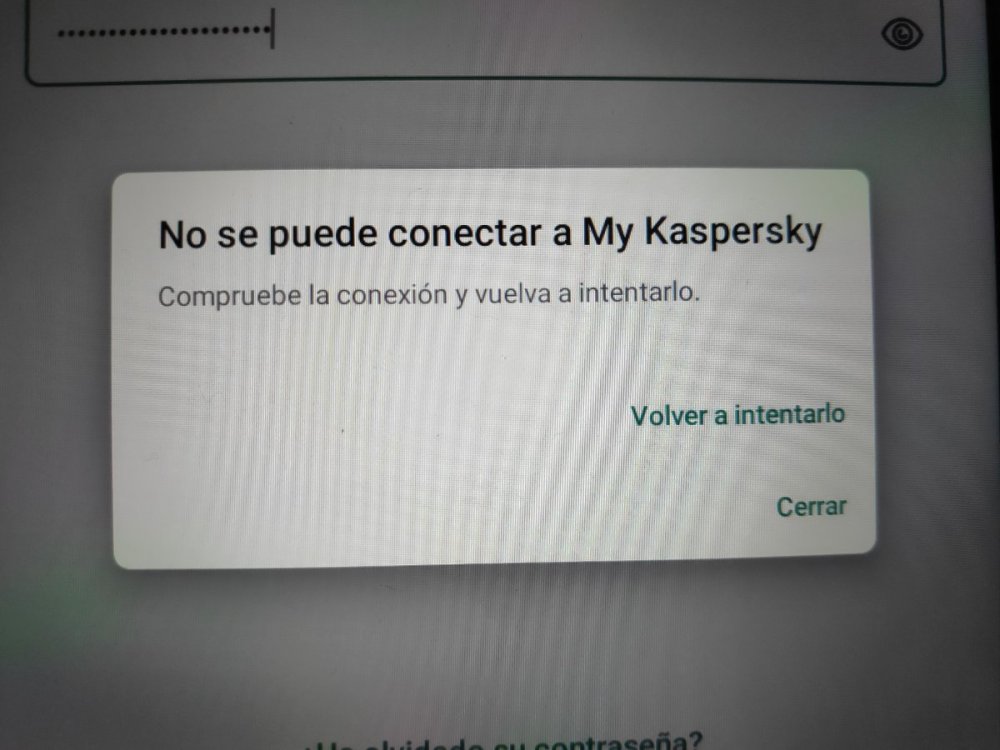
 Pedro Tomás García posted a topic in Para usuarios particularesHola, estoy intentando instalar la aplicación de control parental en un nuevo dispositivo, una Lenovo m8 con Android 10. A la hora de conectar a mí cuenta me dice que no puede conectar y no deja continuar con la configuración. El mensaje en concreto dice "No se puede conectar a My Kaspersky. Compruebe la conexión y vuelva a intentarlo" La conexión es correcta y funciona bien. He cambiado la contraseña y sigue igual.