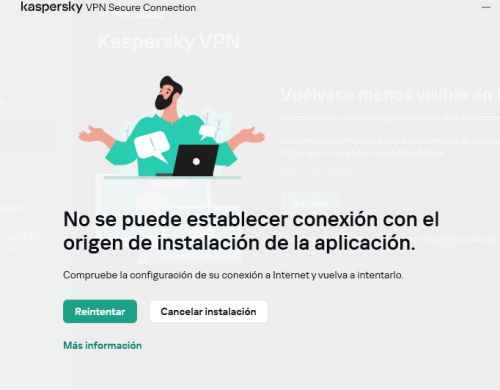
Tengo activa la licencia de Kaspersky PREMIUM, pero dentro de la interfaz del Antivirus al dar click en el botón "Instalar" en Kaspersky VPN se abre una ventana que dice "buscando una versión mas reciente de la aplicación", 30 segundos después se abre una ventana que dice "no se puede establecer conexión con el origen de instalación de aplicación."
Ya reinicié el PC y los controladores están actualizados y no puedo instalar la VPN. Espero que puedan ayudarme. Gracias.
Featured Replies
Please sign in to comment
You will be able to leave a comment after signing in
Tengo activa la licencia de Kaspersky PREMIUM, pero dentro de la interfaz del Antivirus al dar click en el botón "Instalar" en Kaspersky VPN se abre una ventana que dice "buscando una versión mas reciente de la aplicación", 30 segundos después se abre una ventana que dice "no se puede establecer conexión con el origen de instalación de aplicación."
Ya reinicié el PC y los controladores están actualizados y no puedo instalar la VPN. Espero que puedan ayudarme. Gracias.