Skip to content
View in the app

A better way to browse. Learn more.

Kaspersky Support Forum

A full-screen app on your home screen with push notifications, badges and more.

To install this app on iOS and iPadOS
  1. Tap the Share icon in Safari
  2. Scroll the menu and tap Add to Home Screen.
  3. Tap Add in the top-right corner.
To install this app on Android
  1. Tap the 3-dot menu (⋮) in the top-right corner of the browser.
  2. Tap Add to Home screen or Install app.
  3. Confirm by tapping Install.

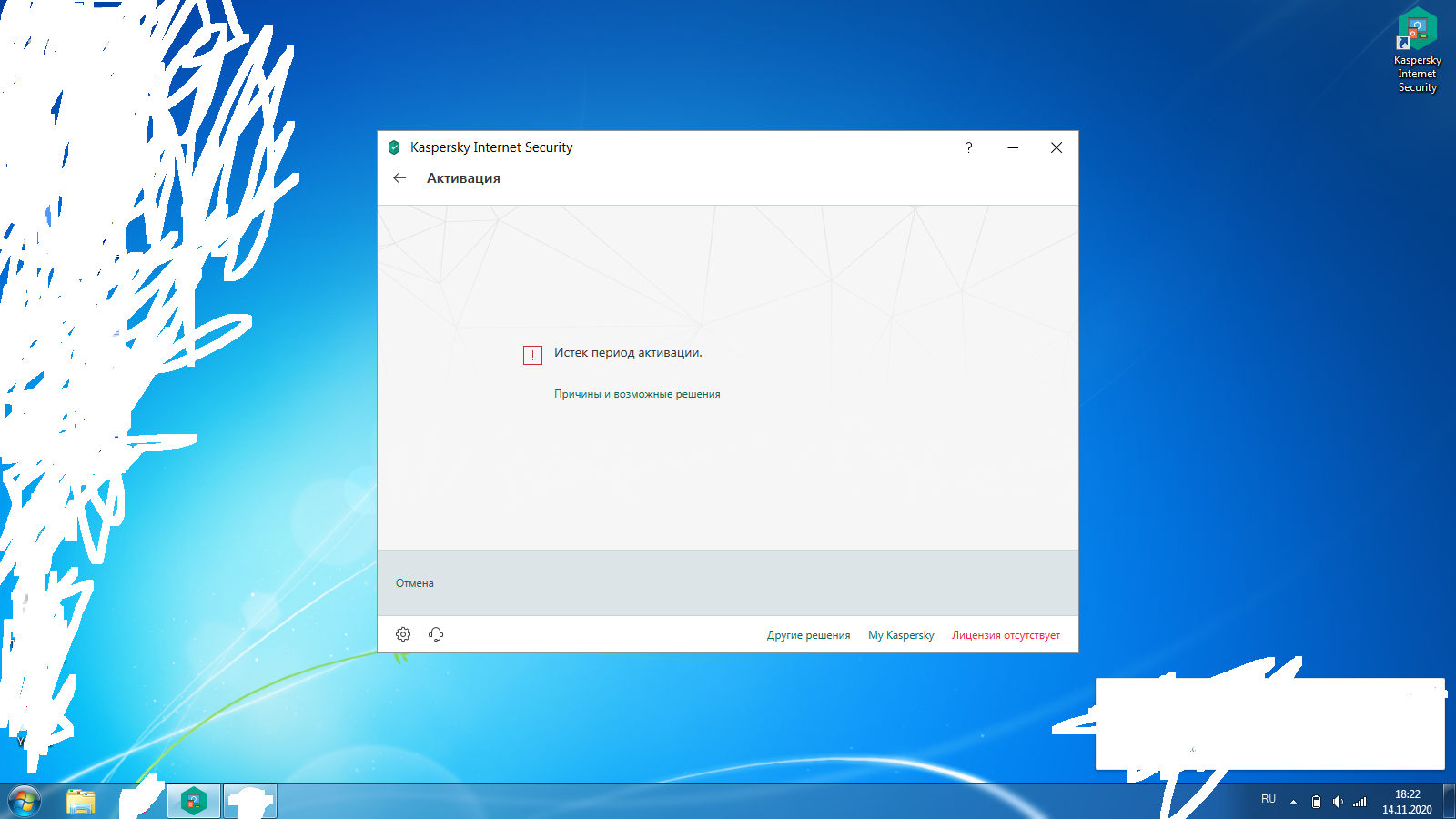
У меня истёк код активации а я вчера купил лецензию и пишет код активации истёк

  • Author


Solved by kmscom

Featured Replies

где купили?

  • Author

на касперском

А новый код активации вы в программу ввели?

  • Solution

с такими ответами, создайте запрос в Личном кабинете портала My Kaspersky специалистам Технической поддержки https://support.kaspersky.ru/b2c/RU

Guest
This topic is now closed to further replies.

Account

Navigation

Search

Search

Configure browser push notifications

Chrome (Android)
  1. Tap the lock icon next to the address bar.
  2. Tap Permissions → Notifications.
  3. Adjust your preference.
Chrome (Desktop)
  1. Click the padlock icon in the address bar.
  2. Select Site settings.
  3. Find Notifications and adjust your preference.