Search the Community
Showing results for 'Quick Launch Keyboard'.
Found 1791 results
-
 shamersky replied to shamersky's topic in Kaspersky Rescue DiskIt’s been three days now that I’ve been trying to launch KRD on a Win 10, Asus Z490 MOBO, RTX 3070 MSI, Intel I-9900kf pc. Always getting a black screen as soon as I choose “Graphic Mode” or “Limited Graphic Mode”. I’ve also phisically removed the GPU to no change... How to fix this?
-
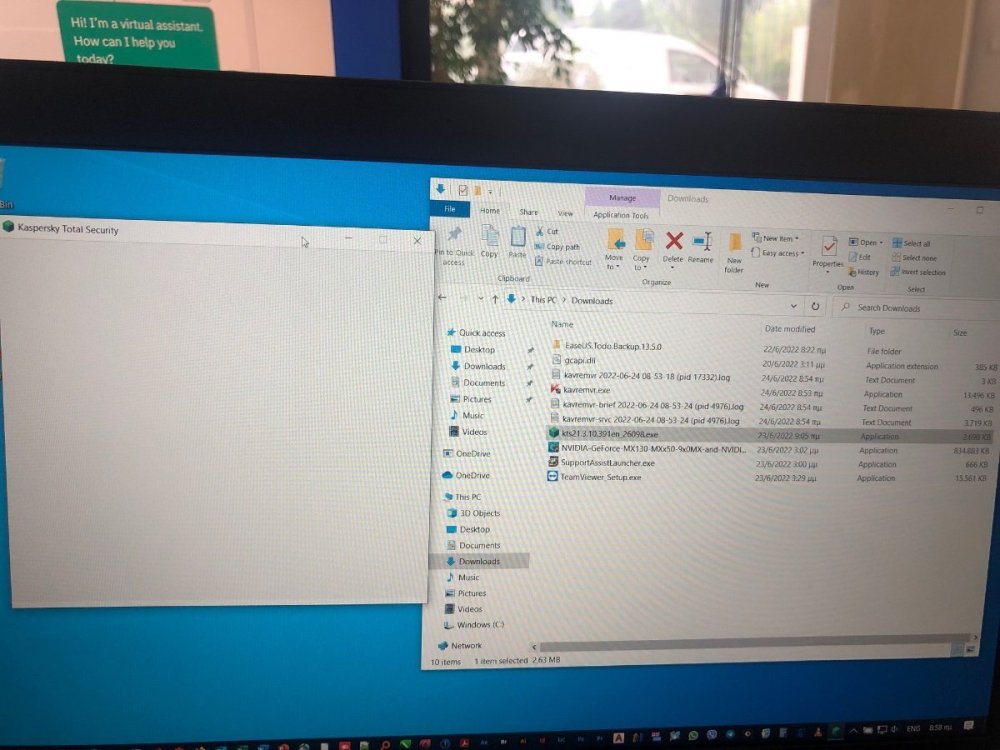
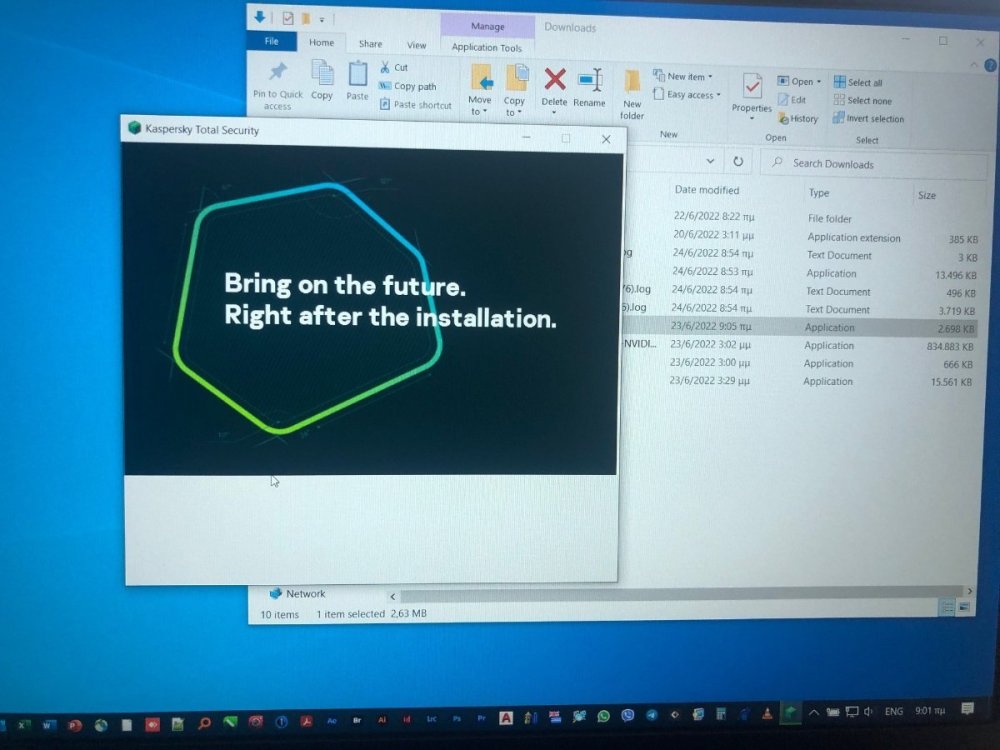
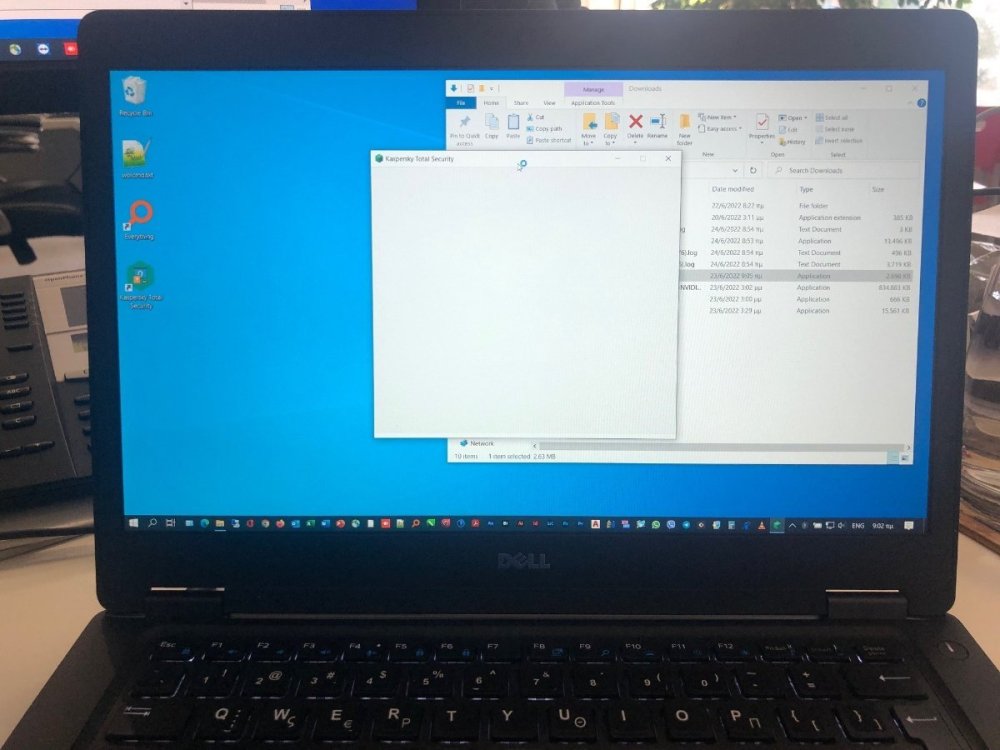
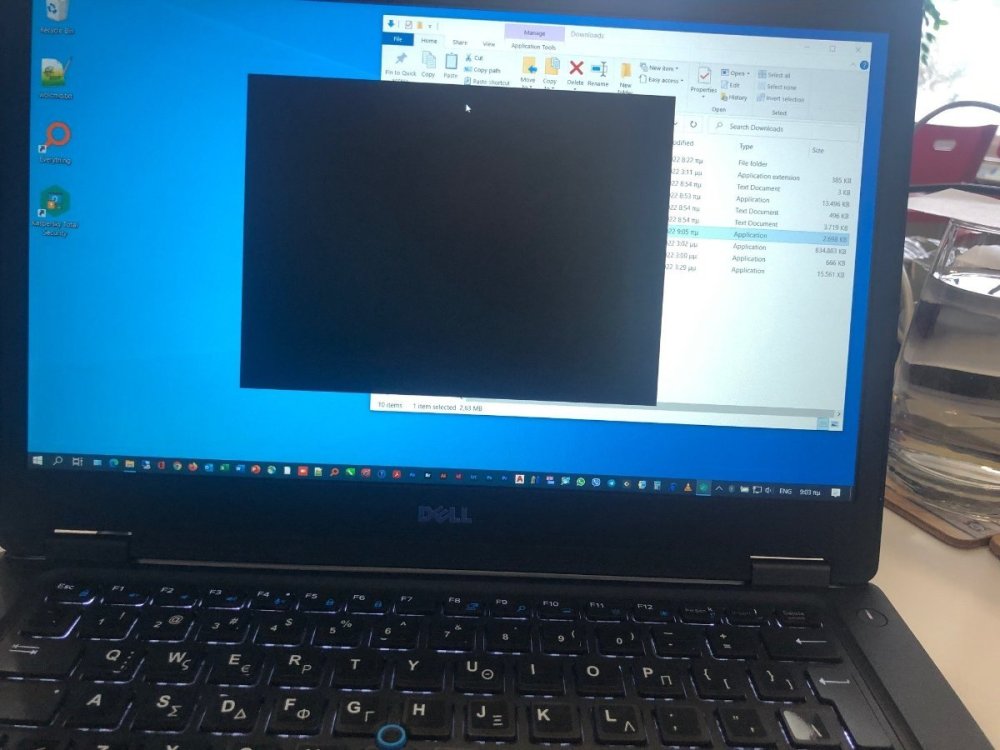
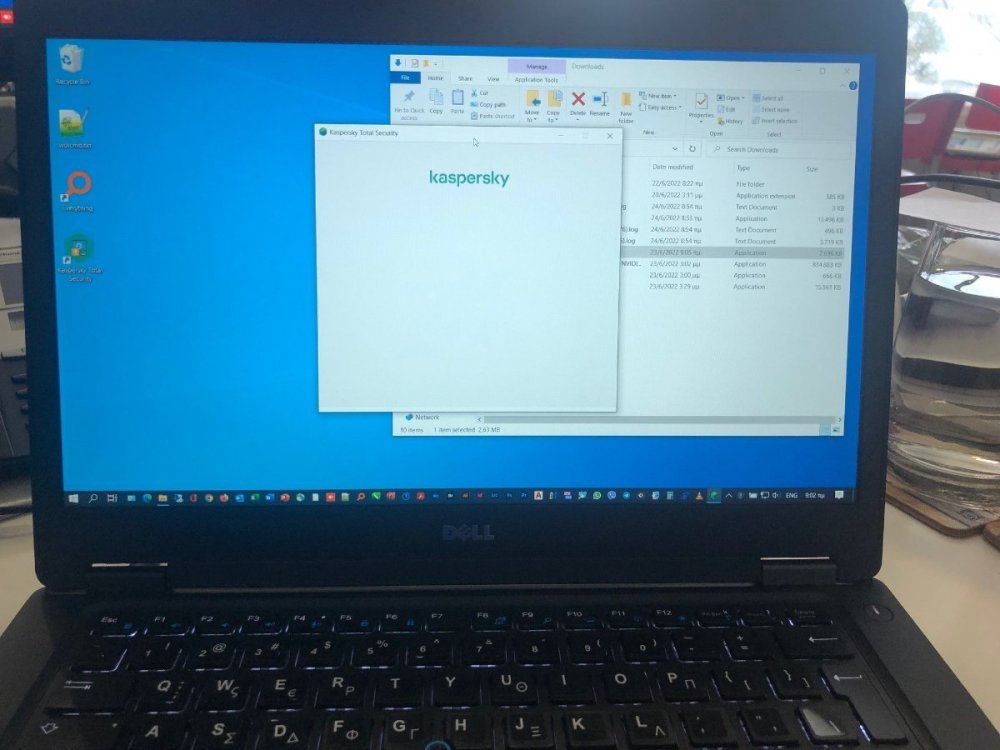
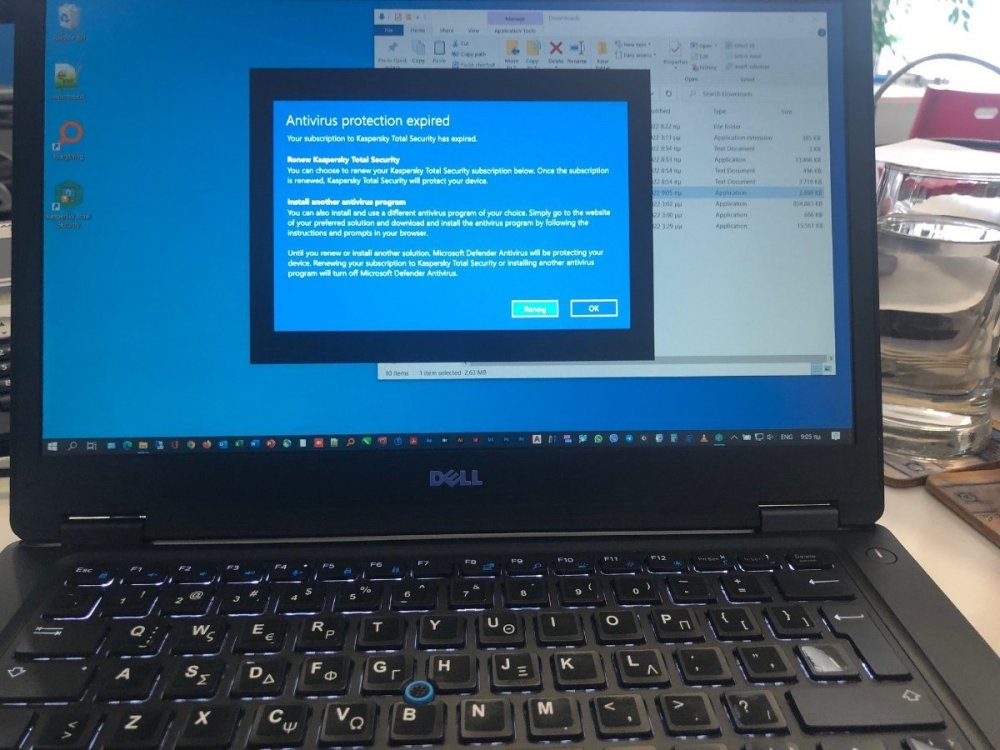
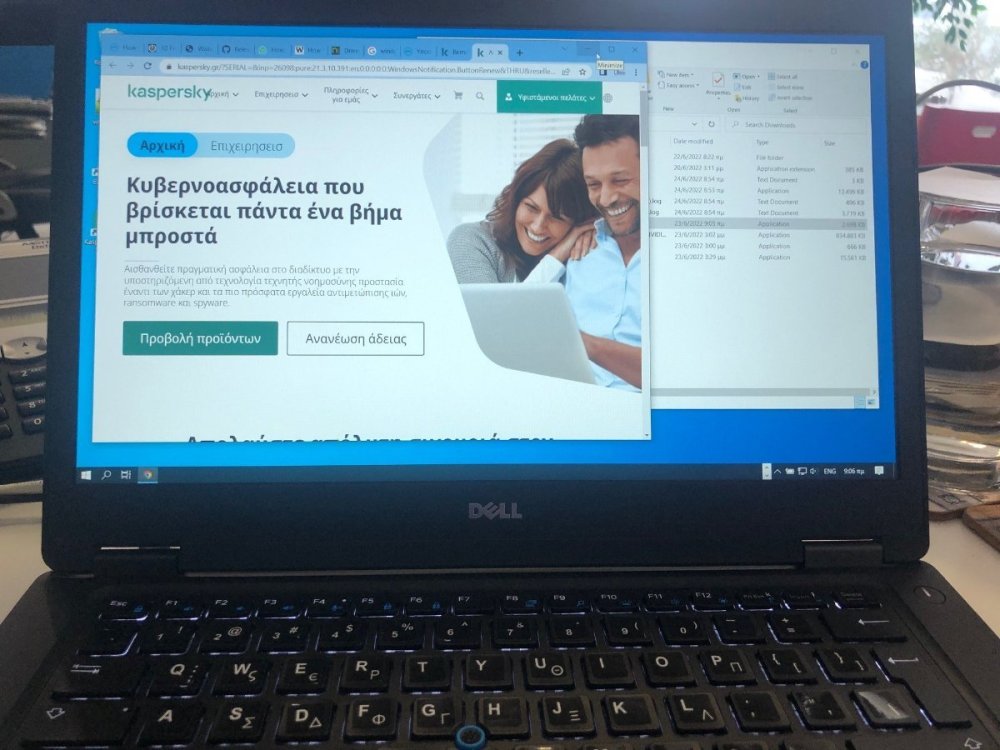
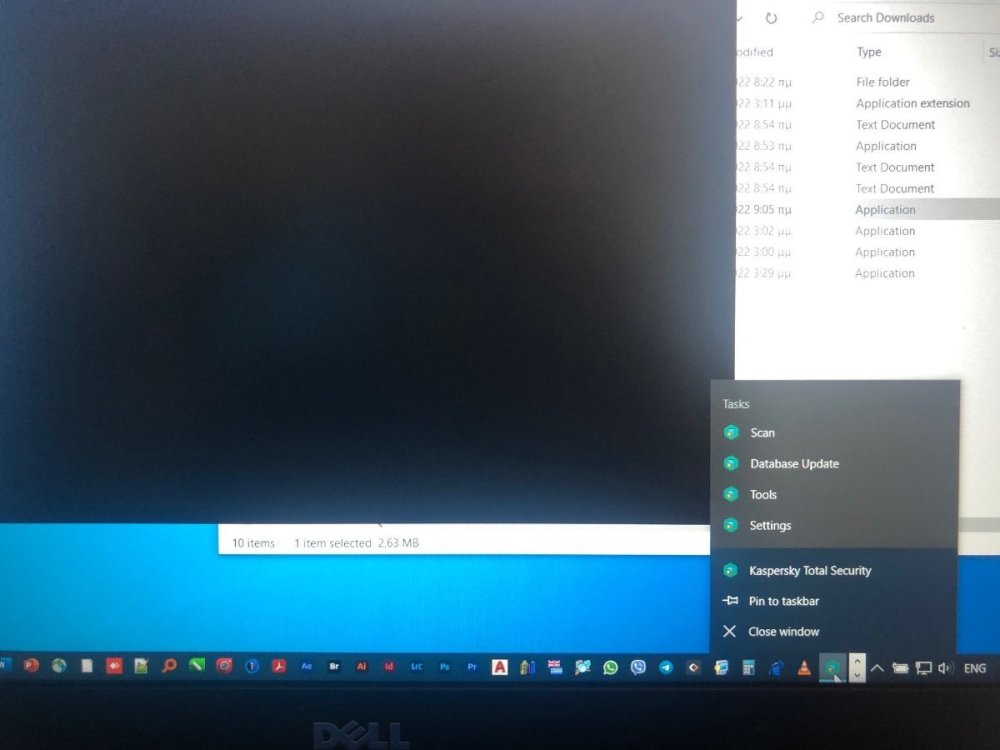
 Sophocles Tsivides replied to Sophocles Tsivides's topic in Kaspersky Total SecurityHi, Thank you for your quick response. Unfortunatelly no luck. Even the startup window of the installation process is blank. However if I "blindly" press "enter" installation continues and finishes with a black UI. But since all data have been wiped out by the removal tool, now I don't have a valid product. an no protection. You see the SW runs normally in the bavkground. Any other hint on this?
-
 Hello @Roy, Welcome! (1) On Android: sign into your online MyKaspersky account, make sure your password data is available. (2) On PC, sign into your MyKaspersky account, make sure your device and MyK account are connected, synced. (3) If (1) & (2) are correct, automatic synchronization of data occurs as per the following advice: When you add data to your vault on one device, the application automatically sends this data to cloud storage, then from cloud storage to your other devices that have Kaspersky Password Manager installed and that are connected to My Kaspersky using the same My Kaspersky account. Keeping your data up-to-date and consistent on all your devices also helps restore your data if you replace or lose a device. The status of data synchronization is displayed in the synchronization window. Sync data manually Unlock the vault by entering the master password and tapping Unlock. If your device is running Android 6.0 or later, supports fingerprint authentication, and fingerprint authentication is enabled in the app settings, you can use it to unlock your vault instead of entering the master password. In the main app window, tap or swipe the screen to the right. The quick access bar appears on the left. On the quick access bar, tap Sync. In the window that opens view the status of data sync and tap Sync now. Kaspersky Password Manager starts data sync. Thank you. Sync data across devices
-
Hello @SystemInfo, Welcome! Regarding Quick scan, Full scan, Selective scan & Scan from Context menu, even tho the following documentation is old, it gives the best & most comprehensive information for both Kaspersky's iChecker & iSwift, noting iSwift is designed for NTFS systems. All scans have some resource requirements, that's why designing a scan schedule to run when the computer is not being used is ideal. & use Scan optimization, after running the first FULL clean scan, set Scan only new and changed files. Assuming real time protection & KSN are enabled & without knowing how (your) scan schedule is designed, it's not really possible to answer "will I have better security and more performance?" Thank you? Flood?+?
-
 SystemInfo replied to theman66's topic in Kaspersky Total SecurityGood evening, Taking advantage of this topic, I wanted to know if it is better to leave How to enable iChecker and iSwift for all KASPERSKY checks as: quick check full check selective verification Check from the context menu With all checked will I have better security and more performance?
-
 Fixed: ∙ Some issues with sites work ∙ Some FireFox compatibility issues. ∙ Some times patch installation can cause issue with sound. ∙ 'Support' window contain wrong information about OS - shows Windows 10 instead of Windows 11. ∙ Could not log in to online storage in Backup process. ∙ Compatibility issues when product works along with another software that intercepts DNS traffic. ∙ 'Scan for viruses' context menu element disappeared after product upgrade. ∙ Very rar situation, when keyboard enter isn't work if 'Safe payments' function is active. ∙ Missing Kaspersky's uninstallation items on Start menu ∙ DNS error for short time after VPN session start on latest versions of Windows 10, 11. ∙ Rar VPN channel instability issues. ∙ Several stability issues Changed: ∙ Windows 11 full support ∙ Windows 10 21H2 full support ∙ MS Bypass IO feature support
-
 Ari94 replied to Ari94's topic in Kaspersky: Basic, Standard, Plus, PremiumBerny, thank you very much for the quick reply.
-
 Hi Giovanny, Unfortunately, Virtual Keyboard does not support touchscreen. There should be a notification when trying to press any button on the virtual keyboard: secure input is not available on devices with touch screen, it is recommended to use a mouse.
-
 @TAR Did you check your Keyboard driver ? Also, did you try uninstall/reinstall Kaspersky VPN ?
-
 sourabh replied to sourabh's topic in Virus and Ransomware related questionsSummary: Kasperysky is not allowing to download the Visual Studio for windows. Platform details: OS: Windows 10 Browser: Chrome Browser Extension: Kaspersky protectionSteps to reproduce: Launch Visual Studio Code Click on "Download for Windows" button User will be redirected to : “https://code.visualstudio.com/docs/?dv=win”After 3rd step we will be blocked by Kaspersky antivirus saying that "Visiting a dangerous website has been prevented" (see below image) Actual dangerous web address which is getting blocked: “https://az764295.vo.msecnd.net/stable/6cba118ac49a1b88332f312a8f67186f7f3c1643/VSCodeUserSetup-x64-1.61.2.exe“ Any reason why Visual Studio download web address is showing as dangerous and totally blocking us from downloading it? Is it safe to bypass and download it? Or, any other known issues which I am unaware of? See image below: https://i.stack.imgur.com/EhWRe.png
-
 Sevn replied to Sevn's topic in Kaspersky Internet Security@Berny - Remember, this is a network printer and I’m attempting to connect to it via direct IP from the same subnet. I had to get a 2nd keyboard for this since Input Director (ID icon on the taskbar) is locked out while this box is on the screen. This dialogue box appears after I click “wish to continue”.
-
 Rick_Liu replied to Rick_Liu's topic in Kaspersky Safe KidsSorry for the delay in response as we have been busying with ‘how to deal with adolescence’. Here are some updates: It’s a Huawei P30 using Android; by data I meant cellular data provided by the cellular service provider (when he’s outside), but also the WiFi (at home); In KSK→ App: all APP categories have been Forbidden; under ‘Exclusions’, all the APP under his PC have been Forbidden except for the ‘Wireless Keyboard’; all the App under his smartphone have been Forbidden (including ‘Setting’) except for the ‘Camera’; I even limit his PC usage time to 1 minute and smartphone to 0 minute; however, we often found him playing with both devices without any problem (Spotify, Snapchat, WhatsApp, Soundcloud, YouTube, Chrome,…… you name it!!! Regarding Spotify, he has previously installed the App on both his PC and Smartphone, but the Spotify App only appears under the list of PC Apps (frankly I have no access to his smartphone so I am not 100% sure whether Spotify is still on his smartphone); Both ‘AppGallery’ and ‘Google Play Store’ have been Forbidden under ‘Exclusions’ - I hope I did block them correctly? ALL APP categories have been blocked; I activated the Free trial of KSK Premium today after being so frustrated, but again, I knew he turned on the phone in order to connect with his friends, but the Map was not able to locate him - I will try tonight once he’s back home when he definitely turns on the phone to see if KSK Premium could track his phone. By the way, the KSK Premium trial version was able to easily track my another child and report to me his activities regularly. FYI, the ‘bad’ one did learn some ‘phantom programing’ and I remembered he asked me about KSK was built on what kind of language---- I always have a doubt that he managed to do some Google search and find a way to ‘crack your code’, e.g. I received an email report that ‘New app was found on child’s device’ and the new App was ‘Norton App Lock’ on his phone. Worst case, and even without any clue, is it recommended that I simply remove his devices (PC and phone) from KSK and then ask him to re-install the KSK App?Thanks for all your efforts! Rick
-
 Guest replied to a post in a topic in Kaspersky Security CloudThx for the quick answer, the store on Amazon seems to be the official Kaspersky store and not a 3rd party vendor. The license is almost half on Amazon compared to the Kaspersky web site. Stephan
-
 billferns replied to billferns's topic in Kaspersky Password ManagerI am unable to launch Kaspersky Password Manager. A short while ago I purchased and downloaded an application called Restoro. During one of its sweeps this software identified KPM as malware and deleted it! I've since reinstalled KPM but have been unable to run it and access the vault. Each time I click on the open button a dialogue box appears from the Microsoft store asking me to search for an application to run it. I have uninstalled and reinstalled Kaspersky Total Security and Kaspersky Password Manager but neither resolves the problem. I am presently running Windows 10. Any help to resolve this issue would be greatly appreciated.
-
 rakapouel replied to rakapouel's topic in Pour particuliersI have been receiving notices from KTS such as this one for over a week now. Problem is that all browsers are closed (task terminated) when it happened. How can I find the guilty application, software or script that tries to launch links to malware sites ? (I suspect Discord but cannot go any further) Événement: Téléchargement interdit Utilisateur: UTILISATEUR-PC\Utilisateur Type d'utilisateur: Utilisateur actif Nom de l'application: chrome.exe Chemin d'accès à l'application: C:\Program Files (x86)\Google\Chrome\Application Module: Antivirus Internet Résultat de description: Verrouillé Type: Probabilité de téléchargement d'un logiciel non autorisé Nom: https://zauglomo.net/6232/6087/3/4.html Niveau de menace: Élevé Type d'objet: Page Internet Nom de l'objet: 4.html Chemin de l'objet: https://zauglomo.net/6232/6087/3 Raison: Protection Cloud thx MB
-
Guest replied to a post in a topic in Kaspersky Internet SecurityHi Guys I found an useful Text in Kaspersky KL002 Student Guide. Page: 153 How does Kaspersky Endpoint Security learn which files have been changed and which have not? The NTFS file system (and its successor ReFS) logs when files are changed, and guarantees integrity of these records. Therefore, on NTFS drives, Kaspersky Endpoint Security simply checks the file modification date. FAT32 file system cannot log the modification date; neither can it protect the modification date against unsolicited changes. Malware may modify a file, and then assign any modification date to it. For this reason, Kaspersky Endpoint Security saves checksums of scanned files into a special database for FAT32 drives. When the file is accessed next time, Kaspersky Endpoint Security re-calculates the checksum and compares it with that saved. If the sums differ, the file has been changed, and File Threat Protection scans it. Scanning new files only once is dangerous. If malware gets on the computer before Kaspersky Endpoint Security receives its signatures, File Threat Protection will scan it, consider to be clean, and will not scan at the next start. and this one in page: 160 Starting with Kaspersky Security Center version eleven, the Quick Start Wizard does not create a Quick Virus Scan task anymore. By default, computers are scanned for viruses by a special local Background scan task. Background scanning is less resource-intensive when compared with an ordinary virus scan task. It is performed while the computer is locked, does not display any notifications to the use; however, it does not reset the Not scanned for a long time status either. You cannot modify scan settings or scope of this task.
-
 allthebestdreams replied to allthebestdreams's topic in Kaspersky Total Security1) Kaspersky Total Security 21.3.10.391 (i) 2) Windows 10 Version 21H1 (OS Build 19043.1706) 3) I ran a Quick Scan but wasn't prompted with anything. I did have an issue with Jdownloader not working too at the same exact time, but I was somehow able to fix that issue by uninstalling and reinstalling Jdownloder. I tried to find a folder named "Report" in the Kaspersky program files folder, but couldn't find anything. I've taken a screenshot of all the folders in the Kaspersky folder. Thanks in advance!

-
 Vangry replied to Vangry's topic in Kaspersky Internet SecurityInternet Security keeps crashing on launch. When will we get Android 12 support?
-
 Guill replied to Guill's topic in Kaspersky Total SecurityThank you again for the quick help!
-
 TripleEss replied to TripleEss's topic in Kaspersky Total SecurityThanks for your reply, All Plugins (Epic / Steam / Rockstar / Origin / Ubisoft Connect) > not a specific game as I’m just trying to start the plugins on GOG Galaxy, so I’m unable to launch any games associated with these platforms as the plugin can’t as Kaspersky appears to be blocking it. I hope that has the information required.
-
 @kmscom quick info... It is BUG 5704077.
-
 N.Nikolov replied to N.Nikolov's topic in Kaspersky Endpoint Security for BusinessHello, Thank you very much for waiting and extending the ticket. The solution for me is the following: Only one exception needs to be added which needs to be added to: Local Computer Policy / Computer Configuration / Windows Settings / Security Settings / Application Control / AppLocker / Script Rules And there the following rule is added: General Section: Name: % OSDRIVE% \ ProgramData \ Kaspersky Lab \ * Action: Allow User or group: Everyone (or which users you want) Path section: Path: % OSDRIVE% \ ProgramData \ Kaspersky Lab \ * That's all ? If I can be useful with something please email me! Thanks again for the quick replies and for waiting. Greetings with a wish for an easy and successful week! Sincerely, N. Nikolov
-
 Miyagi90 replied to Miyagi90's topic in Für PrivatanwenderHey Leute ich habe ein wirklich seltsames Problem. Seit ungefähr einer Woche wird meine Tastatur jedes mal geblockt wenn ich die Amazon Seite besuche. Das bedeutet ich kann nicht tippen und zwar nirgends außer in der suchleiste von Amazon. Um mal zu präzisieren ich kann weder in spielen laufen, noch im Explorer einen datei Pfad angeben oder die URL einer Internet Seite. Aber in der suchleiste von Amazon funktioniert die Tastatur normal und mir wird die “Keyboard Protektion” Nachricht angezeigt. Die Funktionstasten und Kombinationen funktionieren dennoch ich kann z.b den Taskmanager öffnen alt-tabben aber eben immernoch nicht schreiben. Der Fehler ist bei mir zu 100% reproduzierbar und irgendwann funktioniert die Tastatur wieder ganz normal ich habe aber keine Ahnung wieso. Ich habe bisher versucht KTS komplett Auszuschalten : kein erfolg Tastatur raus und wieder rein: kein erfolg. Wild tasten drücken um eventuell eine versteckte Kombination auszulösen : kein reproduzierbarer erfolg. Ich nutze Windows 10 in der Version 19042 und KTS in der Version 21.3.10.391 Wäre Fantastisch wenn mir da jemand helfen könnte :)
-
 squbbles replied to squbbles's topic in Kaspersky Safe KidsIs it possible using KSK 1.24.0.1566 to disable the quick access drop down menu on Android 7 device? I have disabled access to settings app on the phone, but quick access is still accessible. This makes GPS location feature useless since my son just turns off location services. Thanks in advance.
-
In addition what richbuff mention... Keep in mind Quick scan duration is much faster than Full scan.. Because Quick scan scans only critical places...FUll scan scanning all computer (all disks) . Also if you run full scan once (must finish) next time full scan duration is only few minutes approx 9 - 15 min in mine case... Because kaspersky scanning then only new or changed files.. Run Full Scan and waitt only for finish.. Hope i helped..


